
Category: CRM
A common UAE SME scenario looks like this. The finance team sends quotations from one address, HR sends employee letters from another, and the owner still replies to customers from a free mailbox that was created years ago. It works until it doesn't. A client questions whether the message is genuine, an invoice lands in spam, or a payroll communication goes missing at the wrong time.
That's usually when business owners start searching how to purchase an email domain. The purchase itself is easy. The important part is choosing a domain and mail setup that won't create problems later for accounting, HR, customer communication, and ERP-driven workflows.
For businesses using integrated systems, email isn't just correspondence. It becomes part of invoicing, statement delivery, approvals, employee notifications, and customer service. If you're preparing systems for more organised operations, a professional domain should sit near the start of that work, not at the end.
If you also need to monitor existing domain administration before making changes, it helps to review items such as expiry, ownership, and registrar control using tools like Hinawi's domain name expiry check guide as part of your internal readiness.
Chat on WhatsApp +971506228024 Quotation – Demo RequestThe Strategic Value of a Custom Email Domain in the UAE
If a company sends a proposal from a free email address, the message may still arrive, but it doesn't create the same confidence as a branded address tied to the company name. In the UAE market, that difference matters. Buyers, tenants, suppliers, parents, employees, and auditors often judge business maturity through small signals, and email identity is one of them.
The UAE is a highly connected market. The country had 195.8 internet subscriptions per 100 inhabitants in 2022, according to the TDRA figure cited here. In practical terms, that means customers and staff expect business communication to be digital, immediate, and professional. A custom domain isn't a luxury item in that environment. It's part of normal business infrastructure.
Why business owners feel the issue first
Owners often notice the problem before their teams do. They send an offer, then follow up by phone because they aren't sure the email looked credible. They ask accounts to resend an invoice from another address. They tell HR to copy them because they don't trust whether staff messages are being handled consistently.
Those are not isolated communication issues. They point to weak control over a core business channel.
Practical rule: If your accounting, HR, sales, and service teams communicate from unrelated addresses, you don't have one business identity. You have several disconnected ones.
Where a custom domain starts paying off
A branded address such as accounts@yourcompany.ae or hr@yourcompany.com supports more than appearance. It helps with:
- Customer trust: People are more comfortable replying to a domain that clearly belongs to the company.
- Internal clarity: Teams can organise function-based mailboxes for invoices, recruitment, maintenance requests, or tenant communication.
- Operational continuity: When an employee leaves, the mailbox stays with the business instead of disappearing with a personal account.
- System readiness: ERP notifications, statements, and approval flows work better when they are tied to an owned business domain.
For UAE and GCC SMEs, this becomes important very quickly once accounting and HR move into a proper system. Automated invoice dispatch, customer ledger statements, payroll notices, and approval emails all rely on a stable sending identity. If you're planning cleaner workflows, the email domain should be treated like a business asset, not a side purchase.
Choosing Your Domain Name and Email Hosting Provider
The wrong time to think carefully is after payment. Most problems begin earlier, when the business chooses a weak name, a confusing ownership setup, or a cheap hosting bundle that later becomes difficult to manage.

A useful starting point is this practical guide on how to buy a domain name, especially if your company is still deciding whether to register a fresh domain or rationalise several names already in use.
Choosing the name itself
Keep the domain short, readable, and close to the trading identity your customers already know. If your legal name is long but your market name is short, use the market-facing brand if it is available and operationally sensible. Avoid unnecessary hyphens, unusual spellings, and names that staff will have to keep explaining over the phone.
For GCC businesses, the extension also matters. A .ae domain can reinforce local identity and trust. A .com domain can be useful if the business serves a broader market or already uses that brand internationally. Many firms choose to hold both and use one as the main communication address while protecting the other.
Picking the mail platform
The purchase email domain decision is only half of the job. The second half is where the email will run.
| Option | Best fit | What works well | What to watch |
|---|---|---|---|
| Microsoft 365 | SMEs that rely on Outlook, Excel, approvals, and structured administration | Familiar business tools, admin control, strong fit for formal office workflows | Requires proper domain verification and DNS completion |
| Google Workspace | Teams that prefer Google apps and browser-based work | Clean collaboration, simple mailbox use, easy for mobile teams | Governance depends on how well admin roles are set |
| Registrar-bundled email | Very small firms with simple needs | Fast to start and often easy to buy together | Can become limiting when you need stronger control, security, or integration |
A registrar bundle can be acceptable for a very small operation, but it often becomes awkward once the company introduces formal accounting processes, departmental mailboxes, approval routing, or ERP-triggered communication.
A domain and an email service are related, but they are not the same thing. You can own the domain in one place and run email in another. That flexibility helps, but it also creates admin complexity if nobody owns the full setup.
Watch the real cost, not the teaser price
Cost comparisons often go wrong because buyers focus only on the first screen of the checkout process. A regional guide cites a typical custom domain cost floor of about $14.99/year, while Microsoft 365 notes that setup requires admin permissions and immediate verification to avoid service issues, as discussed in this Microsoft domain purchase guidance.
Longer term, the more useful habit is to compare first-year and renewal pricing and to review add-ons carefully. IONOS also advises buyers to check package details and renewal considerations, and notes the importance of evaluating long-run pricing in its domain purchase guidance.
Use this shortlist before checkout:
- Check ownership: Make sure the company, not an individual staff member, controls the registrar account.
- Review renewals: Don't approve a low first-year price without seeing the later renewal terms.
- Control add-ons: Privacy, security extras, and mailbox bundles should be deliberate choices, not accidental checkout additions.
- Enable auto-renew: Let the domain renew automatically unless your company has a strict central procurement policy that replaces that control with monitored reminders.
Securing Your Domain and Configuring Essential DNS Records
Most business owners don't struggle with the purchase. They struggle with the moment the new provider asks them to verify ownership and update DNS. That's where mail setups commonly fail.

If your internal team doesn't manage domains regularly, it's sensible to involve technical support early. A practical reference point is this overview of business IT support services, because the issue is rarely the domain itself. It is usually access, verification, and DNS accuracy.
What DNS actually controls
Think of DNS as the instruction layer for your domain. It tells the internet where your website lives, which service is allowed to send email for your company, and where incoming email should be delivered.
The operational risk is straightforward. If those instructions are incomplete or wrong, mail may not arrive, may not send correctly, or may get flagged as suspicious.
According to GoDaddy's domain guidance, the most common technical failure point in setting up a custom email domain is DNS configuration, and ownership verification is required before services can be attached. Correct mail routing records are essential to prevent disruption or suspension, as explained in this setup resource.
The records that matter most
Business owners don't need to memorise record syntax, but they should know what each control does.
- MX records: These tell the internet where incoming mail for your domain should go. If they are wrong, your business won't reliably receive email.
- SPF: This helps receiving servers recognise which systems are allowed to send email on behalf of your domain.
- DKIM: This adds a validation layer that supports message authenticity.
- DMARC: This tells other servers how to treat messages that fail your domain's checks and gives you better governance over spoofing risk.
If finance sends invoices, HR sends employee notices, and customer service sends updates, all from the same company domain, these protections are not optional. They protect the business reputation attached to every message.
A safe setup sequence
The technical screens differ by provider, but the logic stays the same.
Confirm registrar access
The person doing the work needs admin control over the domain account. Without that, the project stalls immediately.Verify domain ownership
The email platform will ask you to prove you control the domain before activation completes.Add the required DNS records
Incoming routing and sender authentication are established.Wait for propagation and recheck
Changes are not always instant. Test after the platform confirms the records.Document the configuration
Keep a record of who manages the registrar, who manages the email platform, and where support responsibility sits.
A surprising number of SME email incidents come from undocumented changes. One consultant updates DNS, another changes hosting later, and nobody keeps a clean record of why specific entries exist. That becomes a serious problem when accounting emails stop sending on month-end closing day.
Integrating Your New Email with Hinawi ERP Workflows
A business domain becomes much more valuable when it stops being just a mailbox and starts acting as a trusted transaction channel. That is where ERP integration matters.
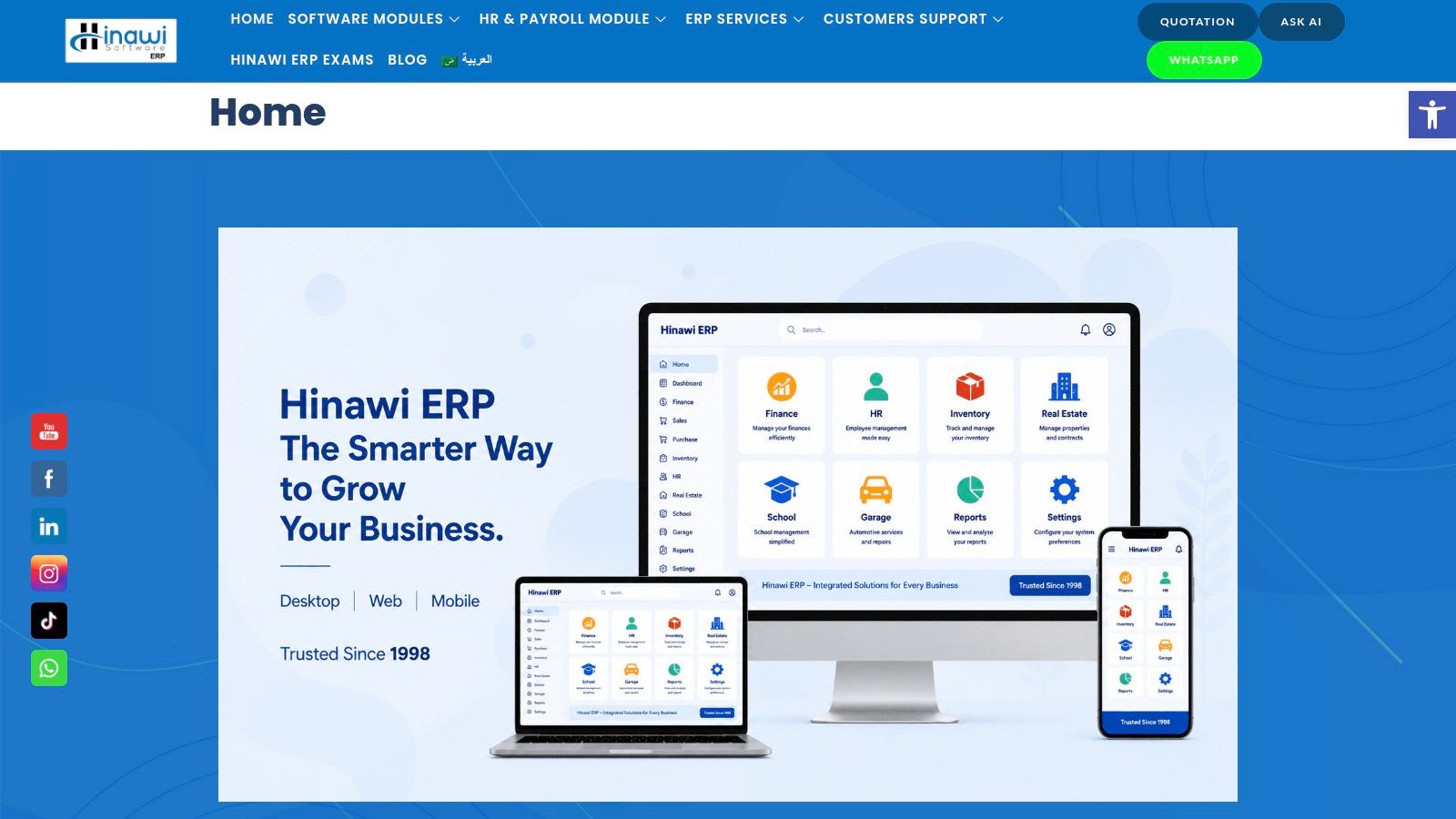
When companies need system-to-system coordination, this kind of third-party integration support becomes important because the mail domain, ERP application, and user permissions all need to align cleanly.
Accounting and customer communication
Take a typical Abu Dhabi trading company. The sales team closes an order, accounts raises the invoice, and the customer expects a prompt document from a recognisable company address. If the invoice comes from a personal mailbox, replies may go to the wrong person, records may be missed, and audit discipline weakens.
A stronger setup uses a role-based email such as invoices@companydomain. That mailbox is linked to ERP output rules, monitored by the finance team, and kept under company control. The result is better continuity and less dependence on individual staff habits.
HR and payroll communication
The same principle applies in HR. Payslip notices, employee letters, onboarding documents, and policy acknowledgements should come from a formal company address controlled by management. If HR mail runs through ad hoc personal accounts, confidentiality and continuity become harder to maintain.
For UAE employers, that matters because payroll communication often sits close to sensitive employee data and time-sensitive salary processes. A structured mailbox strategy supports better discipline around who sends, who receives, and who has authority to access records.
Consulting note: Don't create one generic mailbox for everything. Separate finance, HR, and customer communication so responsibility is clear from the start.
Where businesses usually get the setup wrong
The technical connection is not normally the difficult part. The weak point is governance. Businesses often fail to decide:
- Which mailbox should send invoices
- Which team owns replies and bounced messages
- Which addresses should be visible to customers
- Which communications should be automated
- Which approvals are needed before the ERP sends external email
That governance layer matters as much as the system configuration. If you automate sending without assigning operational ownership, the workflow only looks professional on the surface.
Chat on WhatsApp +971506228024 Quotation – Demo RequestA practical mailbox structure often looks like this:
| Business function | Recommended address style | Why it works |
|---|---|---|
| Sales | sales@companydomain | Easy for enquiries and lead routing |
| Accounts | accounts@ or invoices@companydomain | Supports invoice and statement continuity |
| HR | hr@companydomain | Keeps staff communication centralised |
| Support or service | support@ or service@companydomain | Useful for ticketing and after-sales response |
| Named staff | firstname@companydomain | Best for direct communication and accountability |
The purchase email domain decision starts producing operational value. It gives the business a controlled digital identity that accounting, HR, CRM, and management processes can rely on.
Creating Mailboxes and Testing Email Deliverability
Once the domain is active and DNS is stable, create the mailboxes with a structure that matches the business, not just the current staff list. Start with role-based addresses first, then create named user accounts. That way, the business retains continuity even when people change.
For most SMEs, the first round should include core operational addresses such as sales, accounts, HR, and support. After that, create individual user mailboxes for staff who need direct communication. Keep the naming standard simple and consistent.
A practical go-live checklist
Before printing business cards or updating customer records, run a controlled test.
- Send to major external providers: Check whether mail reaches common inboxes such as Gmail and Outlook.
- Reply back to the new address: Confirm that incoming routing works and the response lands in the right mailbox.
- Test role-based mailboxes: Make sure accounts and HR addresses are monitored by the right team members.
- Review spam placement: If messages land in junk folders, revisit the authentication setup and sending identity.
- Check signatures and branding: The address may be correct, but the user signature often still carries outdated details.
Keep administration unified
Another issue gets missed during setup. Some businesses buy a domain through one service, connect email through another, and later discover that billing, support, and control are split in awkward ways. Apple notes that even with custom domain use in iCloud Mail, billing and domain management may still be handled by a third-party registrar, which can complicate support, as described in Apple's custom email domain support note.
That split can be manageable, but only if somebody in the company clearly owns both sides.
If your registrar, email platform, and ERP administrator are all different people or vendors, write down who controls each login and who approves changes. Otherwise, a simple mailbox issue can turn into a slow escalation across several parties.
A clean final test should answer four questions. Can you send? Can you receive? Can the right people access shared mailboxes? Can the business recover quickly if the admin user leaves?
If the answer to any of those is unclear, don't announce the new addresses yet.
Chat on WhatsApp +971506228024 Quotation – Demo RequestTake the Next Step with Hinawi ERP
A professional email domain is a small purchase with outsized operational impact when it is connected properly to finance, HR, customer service, and management workflows. The domain gives your business a controlled communication identity. The ERP turns that identity into a working system.
For UAE and GCC companies, this matters most where process failure is expensive. That includes invoice delivery, customer statements, employee communication, approval routing, and audit-ready financial operations. If these activities still depend on manual sending from personal or inconsistent addresses, the business remains exposed to delays, confusion, and weak accountability.
Common issues and the practical fix
| Symptom | Likely cause | Direct response |
|---|---|---|
| Invoices are not reaching customers | Mail routing or sender authentication is incomplete | Recheck domain verification and email service setup |
| Different departments use different identities | No mailbox governance | Define role-based addresses and ownership rules |
| HR messages are tied to individual staff accounts | Poor continuity planning | Move core staff communication to controlled company mailboxes |
| Renewal surprises affect budgeting | Introductory pricing was reviewed, long-term pricing was not | Compare first-year and renewal cost before committing |
| Support issues bounce between vendors | Domain and email control are split without accountability | Document who owns registrar, platform, and admin access |
Businesses that handle these points early usually avoid the most frustrating email problems later. They also put themselves in a stronger position to connect communication with ERP-driven operations.
For companies evaluating an integrated setup, Hinawi ERP UAE is designed for practical business control across accounting, HR and Payroll, Real Estate Management, Fixed Assets, Manufacturing, Garage and Maintenance, School Management, CRM, and wider business automation. Developed in Abu Dhabi since 1998, it supports VAT and e-Invoicing compliance, UAE WPS payroll support, Arabic and English bilingual operation, flexible company policy settings, and real-time accounting integration across all modules.
It is suitable for factories, contracting companies, real estate businesses, schools, garages, trading companies, and manufacturers that want tighter process control without relying on disconnected systems and manual re-entry. If your company is modernising operations across the UAE or GCC, the practical objective is clear. Reduce manual work, improve financial accuracy, and create a more reliable management environment where communication and core business records stay aligned.
Visit www.hinawierp.com to review the platform or request a personalised demo with the team.
Chat on WhatsApp +971506228024 Quotation – Demo RequestExplorer Computer LLC – Hinawi Software ERP helps companies across the UAE and GCC build stronger operational control with fully integrated ERP software developed in Abu Dhabi since 1998. If you want to connect professional business communication with Accounting, HR and Payroll, Real Estate Management, Fixed Assets, Manufacturing, Garage and Maintenance, School Management, CRM, and complete business automation, visit Explorer Computer LLC – Hinawi Software ERP or request a personalised demo to discuss your requirements with the Hinawi team.