
Category: Accounting
Your finance team probably isn’t struggling to pay a specific bill. The challenge lies in everything around it. Someone downloads the bill, someone else asks for approval, a card fails, the receipt goes missing, and month-end turns into a search exercise across inboxes, bank portals, and spreadsheets.
That’s why smart finance managers in the UAE don’t treat utility payments as a simple online task. They treat them as part of procure-to-pay control. If you want to process these online utility payments properly, the target isn’t speed alone. The target is a clean approval path, a reliable payment channel, a usable receipt, and a posting that lands correctly in accounts without manual repair later.
This matters even more in businesses with multiple properties, branches, projects, or leased units. District cooling charges hit repeatedly. If your process is still email-driven, your accounting team is doing clerical recovery work instead of financial control. In practical terms, this scenario highlights the importance of ERP discipline, and it’s why many UAE companies start tightening utility workflows long before they tackle bigger automation projects.
Streamlining Your Empower District Cooling Payments
A familiar month-end scene looks like this. The accounts team has several utility bills open, the approver is travelling, one branch used a different payment method, and the bank statement shows a line that doesn’t clearly identify which account was settled. The payment may be complete, but the finance work isn’t.

That’s the mistake many companies make when they think about Pay Online Systems. They focus on access to the portal, not on process design. In the UAE, the more important issue is whether the payment flow is reliable, traceable, and connected to accounting controls. That’s why the underserved angle isn’t payment convenience. It’s payment-channel reliability and compliance, especially in a market where the UAE fintech sector is projected to reach USD 5.71 billion by 2029, up from USD 3.16 billion in 2024, signalling stronger demand for payment experiences embedded into business workflows rather than isolated consumer actions, as noted by Drive Empower’s market commentary.
What the finance manager should prepare first
Before anyone logs in, your team should already have the right identifiers and approval context ready. That includes the customer or contract reference, the legal entity paying the bill, the cost centre or property code, and the internal approver.
Use a standard document set for every utility payment request:
- Bill reference: The exact relevant account or contract identifier.
- Accounting instruction: Which expense account, branch, property, or project should absorb the cost.
- Approval evidence: Email or workflow approval before payment is released.
- Payment backup: Saved receipt, PDF bill, and internal voucher.
If you don’t standardise this, the payment goes through but the audit trail breaks.
Practical rule: Never let the payment happen before the accounting destination is known.
A good starting point is to make your team use a formal payment voucher template for controlled utility disbursements. Even if you later automate inside ERP, the discipline starts with consistent source records.
Right after the introduction, it’s worth saying this plainly. Utility payments should sit inside your accounting process, not outside it. That’s how you reduce rework, missing support files, and late reconciliation.
Chat on WhatsApp +971506228024 Quotation – Demo Request
Choosing Your Empower Payment Channel
Not all online payment routes are equal. A finance department shouldn’t choose the channel that feels easiest in the moment. It should choose the one that creates the least downstream accounting friction.
Compare channels by finance impact
The three practical routes are usually the supplier’s own portal, a UAE bank app or portal, or a third-party aggregator. Each can work. But they don’t serve finance equally well.
| Payment Channel | Best For | Reconciliation Ease | Receipt Detail |
|---|---|---|---|
| Empower E-Services portal | Direct supplier settlement and clearer bill matching | High when the bill reference is confirmed before payment | Usually stronger for audit support |
| UAE bank portal or app | Teams already using bank-managed bill payments | Medium, depending on statement narration and saved proof | Often sufficient, but may be less specific |
| Third-party payment aggregator | Convenience across multiple billers | Lower unless your team stores complete backup | Varies by platform |
The core decision criterion is simple. Can your accountant identify the paid bill quickly, prove who approved it, and post it without guesswork? If the answer is no, the channel is wrong for your business even if the payment itself succeeds.
Why unified visibility matters
Consumer finance tools became popular because they promised to manage 100% of finances from one dashboard, with free aggregation in many cases and paid advisory services ranging from 0.49% to 0.89%, according to The Military Wallet’s review of the Personal Capital model. The business lesson is obvious. Finance teams want one place to see obligations, payments, and balances.
That same logic applies here. If your utility payments are split across cards, personal logins, and branch-level bank apps, you don’t have a payment process. You have fragmented activity.
The easiest payment method is often the hardest one to audit.
For most UAE businesses, the best default is the channel that gives the cleanest supplier-facing receipt and the most direct reference to the specific bill. Then connect that evidence back into your accounting platform or online accounting system used for central finance control.
Chat on WhatsApp +971506228024 Quotation – Demo Request
A Step-by-Step Guide to the Empower E-Services Portal
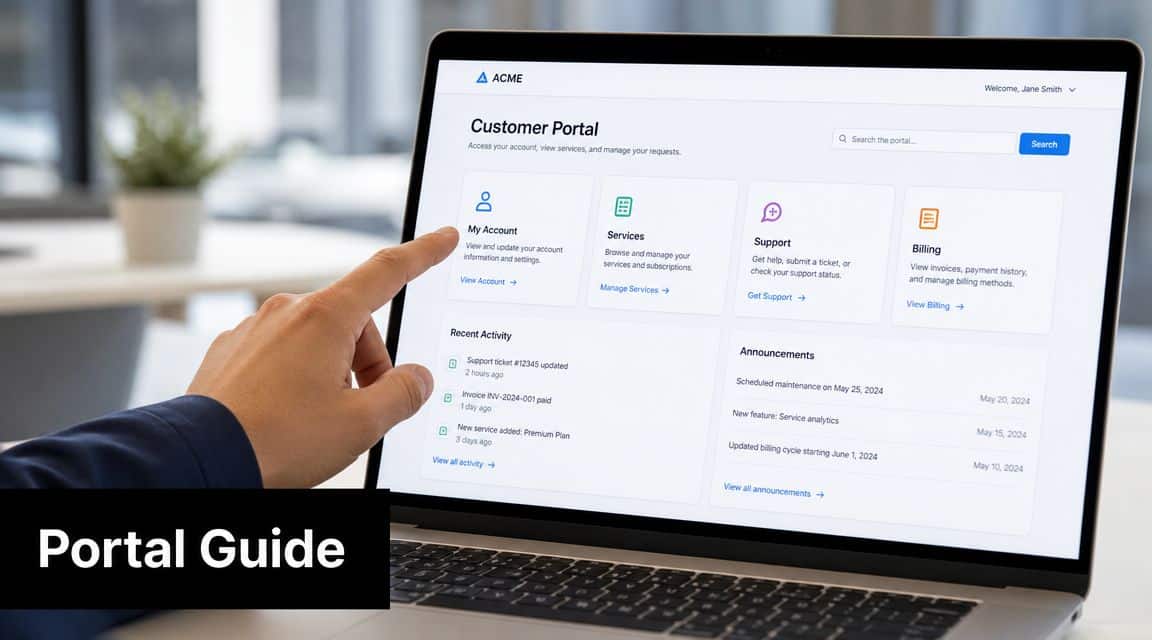
For business users, the supplier portal is usually the cleanest route because it keeps the payment close to the original bill. That reduces ambiguity later when accounts payable needs support.
Use a controlled payment sequence
Start with the bill in front of you, not in a separate inbox you’ll check later. The person making the payment should confirm the customer or contract identifier exactly as it appears on the billing record. If the portal displays the wrong account name, property, or address, stop there. Don’t “try and see”.
Then move through the payment in this order:
- Validate the account details first. Match the displayed customer details with the bill and your internal vendor record.
- Confirm the amount and period. Make sure the settlement matches the intended bill or approved amount.
- Use an authorised payment method. Don’t switch to a personal or unofficial card because the approved one is temporarily unavailable.
- Capture the transaction reference immediately. This is the anchor for follow-up if anything fails or posts unclearly.
- Download the receipt before closing the session. Don’t assume you’ll retrieve it easily later.
What to save for accounting
Finance teams often save only the card confirmation screen. That isn’t enough. Your file should include the original bill, proof of approval, the portal receipt, and the transaction reference. If VAT treatment or invoice evidence becomes relevant to your internal controls, this documentation matters even more, especially for teams already tightening their UAE e-invoicing readiness and digital finance records.
A disciplined naming convention helps. Save the files in a way that includes vendor name, account reference, billing period, and payment date. If you leave receipts with random filenames, month-end turns into document hunting.
Save the receipt while the browser session is open. That’s the lowest-effort point in the whole process.
This isn’t glamorous work. It is, however, the difference between a clean utility payment cycle and a recurring reconciliation nuisance.
Troubleshooting Common Online Payment Issues
Payment failures usually aren’t random. They come from weak controls, incomplete setup, or poor coordination between the finance team, the bank, and the payment gateway.

In the UAE, online payment security has become stricter because payment-card fraud losses reached about US$190 million in 2022, and stronger controls such as EMV 3-D Secure 2 are being pushed for online transactions, as discussed in Drive Empower’s payment-security commentary. The operational takeaway is practical. If your team still depends on weak authentication habits, expect more failures and more manual follow-up.
The issues finance teams hit most
- Wrong customer or contract identifier: The portal may not find the account, or it may show details that don’t match the bill. The fix is basic but important. Recheck the source bill and your vendor master before retrying.
- Transaction declined by bank: This often points to corporate card controls, online transaction restrictions, or bank-side risk flags. Ask the bank whether the card is enabled for the relevant type of online utility payment.
- 3-D Secure interruption: The approver may not receive the authentication prompt, or the session may expire. Use an approved device and make sure the authorising person is available during the payment window.
- Gateway error after submission: Don’t pay again immediately. First verify whether the amount was captured, reserved, or reversed.
What your team should do next
When a payment error appears, use a short decision tree:
- Check whether the bank account or card was charged.
- Review whether a transaction reference was generated.
- Confirm whether the bill still shows as unpaid in the supplier channel.
- Escalate with documented evidence, not verbal summaries.
If your bank statement later becomes messy because of duplicate attempts or unclear reversals, your accountant should use a formal bank reconciliation statement format for tracing unmatched payments.
Chat on WhatsApp +971506228024 Quotation – Demo Request
Beyond Manual Payments Automating and Reconciling in Your ERP
Manual utility payments are acceptable for very small organisations. For any business with multiple approvals, multiple locations, or routine audit pressure, they’re inefficient. Of greater concern, they create preventable accounting risk.
The best model already exists elsewhere in UAE finance operations. WPS payroll is structured because it has to be. MOHRE requires wages to be transferred by the 15th day after the salary period ends, and the operating discipline includes generating the SIF file from ERP payroll, reconciling bank details, submitting through an approved channel, and correcting rejections quickly, according to the workflow described in the referenced WPS process note. Utility payments deserve similar discipline, even if they’re not processed through WPS.
What a proper ERP-controlled utility cycle looks like
A controlled process usually includes these stages:
- Bill registration: Record the utility bill against the correct vendor, property, branch, or cost centre.
- Approval workflow: Route the expense to the authorised manager before release.
- Payment execution: Pay through the selected online channel using the approved method.
- Receipt attachment: Link the payment proof to the transaction record.
- Ledger posting: Reflect the expense and settlement in accounting without separate re-entry.
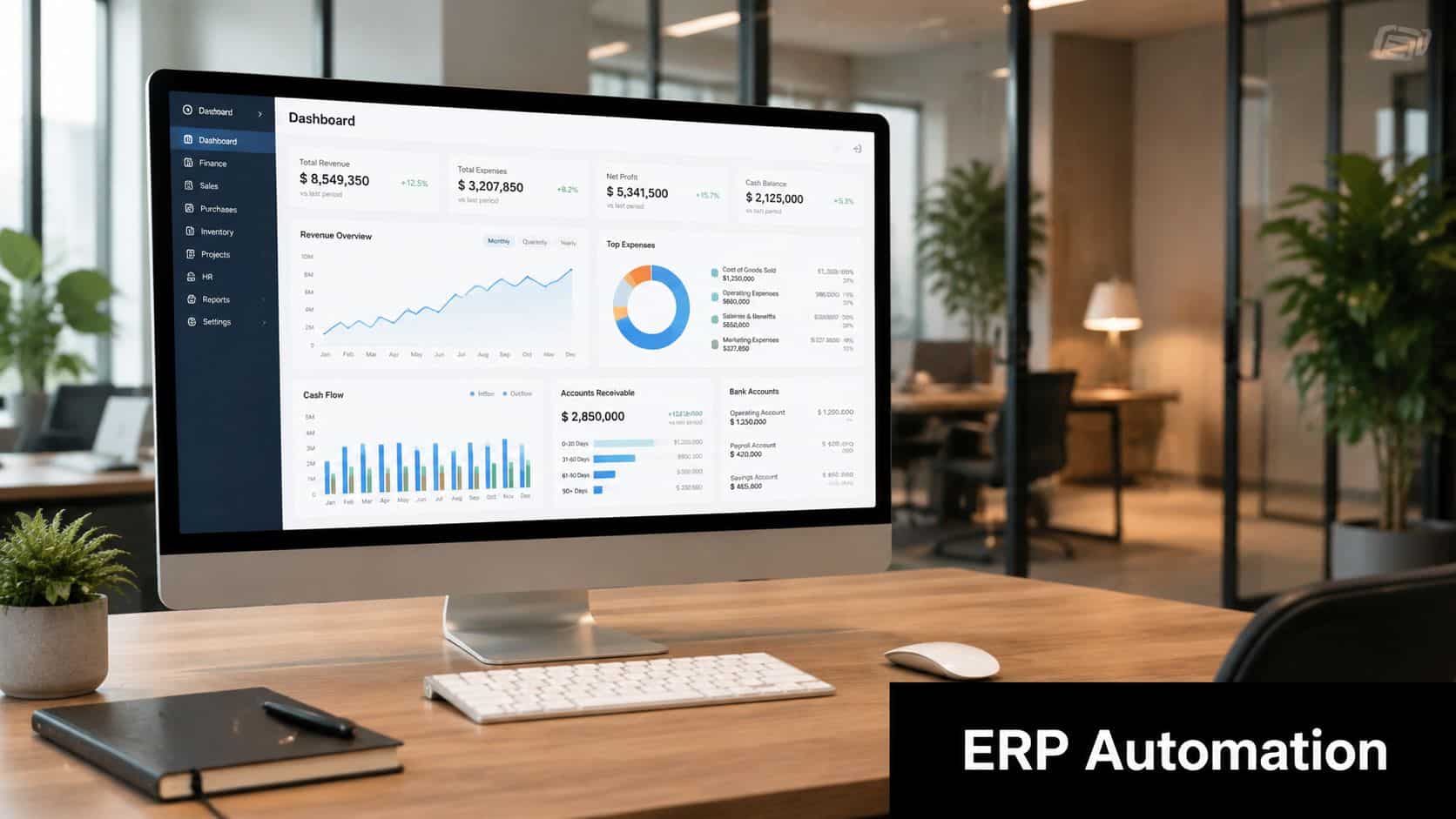
This is where one integrated system matters. Instead of storing the bill in email, the receipt in a desktop folder, and the accounting entry in separate software, the finance team works from one controlled record. A practical example is vendor invoice management inside an ERP workflow, where bill capture, approval, payment evidence, and accounting treatment stay connected.
My recommendation to finance managers
Treat utility bills like recurring operational liabilities, not admin errands. Assign vendor codes correctly. Set approval thresholds. Standardise receipt storage. Make one person responsible for unmatched utility payments at month-end.
For companies that want this under a single system, Hinawi ERP is one example of an integrated platform used for accounting, payroll, operations, and business process control in the UAE. In this context, the relevant point isn’t branding. It’s that the payment event should update accounting in real time and sit inside the same control environment as the rest of the business.
Chat on WhatsApp +971506228024 Quotation – Demo Request
Take the Next Step with Hinawi ERP
Paying a utility bill online is easy. Controlling the full utility payment lifecycle across approvals, accounting, VAT records, supporting documents, and reporting is where most companies still struggle. If your team is handling recurring supplier payments through email chains, bank screenshots, and manual journal corrections, it’s time to tighten the process.
Hinawi ERP has been developed in Abu Dhabi since 1998 and is built for businesses in the UAE and GCC that need one integrated environment for operations and finance. It supports Accounting, HR & Payroll, Real Estate Management, Fixed Assets, Manufacturing, Garage & Maintenance, School Management, CRM, and complete business automation. That matters because utility payments don’t exist in isolation. They affect branch costs, tenant billing, project profitability, cash flow, and management reporting.
With the right ERP setup, your business can:
- Maintain VAT and e-Invoicing compliance through stronger transaction records and document control
- Support UAE WPS payroll within the same operational framework used for other critical payments
- Operate in Arabic and English for mixed finance and operations teams
- Apply flexible company policy settings for approvals, limits, and payment authority
- Keep real-time accounting integration across modules so transactions don’t need to be re-entered manually
This is especially relevant for factories, contracting companies, real estate businesses, schools, garages, trading companies, and manufacturers that need tighter visibility across departments. If your aim is to reduce manual work, improve financial accuracy, and gain stronger control over payment operations, review Hinawi ERP for UAE business automation and financial management.
Before you close this topic, take one practical step. Map your current payment process from bill receipt to ledger posting. If more than one stage depends on email, memory, or spreadsheet tracking, your process needs redesign.
If you’re a business owner or finance manager in the UAE or GCC, speak with Explorer Computer LLC – Hinawi Software ERP to review how your utility payments, approvals, accounting, payroll, and operational workflows can run in one integrated system. Visit www.hinawierp.com or request a personalised demo to modernise your processes, reduce manual work, and improve financial control.