
Category: Accounting
Growth feels good until your back office starts breaking under it.
That’s the point many owners in Abu Dhabi reach. Sales are moving. New branches or sites are opening. Payroll gets more complicated. Inventory sits in one spreadsheet, project billing sits in another, and finance still waits on manual updates before closing the month. Then WPS payroll is delayed, VAT entries don’t reconcile cleanly, and management decisions rely on reports nobody fully trusts.
That is the right time to look seriously at ERP Abu Dhabi options. Not because ERP is fashionable, but because disconnected operations become expensive the minute your business scales.
The UAE market reflects that shift. The UAE ERP software market was valued at approximately USD 2.1 billion and is projected to reach USD 3.45 billion by 2028, driven by digital transformation and strong SME demand, especially in Abu Dhabi according to Ken Research’s UAE ERP market analysis. I’m not surprised. In practice, I see the same pattern every week. Owners don’t buy ERP because they want software. They buy it because manual control has stopped being control.
Hinawi ERP is one of the systems built around these local realities. It has been developed in Abu Dhabi since 1998, and that local context matters when your priorities include WPS, VAT, bilingual operations, fixed assets, contracting, real estate, and multi-branch reporting. Before you even evaluate products, get clear on your financial structure, periods, and reporting expectations. If your team still has confusion around year-end setup, this plain-language guide on fiscal year meaning is worth reviewing first.
If you're already feeling the strain of spreadsheets, side systems, and last-minute compliance work, don’t wait for another reporting cycle to expose the gap.
Chat on WhatsApp +971506228024 Quotation – Demo RequestIntroduction The Tipping Point for Your Abu Dhabi Business
A growing Abu Dhabi business usually doesn’t fail because demand is weak. It stumbles because operations were built for a smaller company and never redesigned for a larger one.
I see this most often in trading, contracting, maintenance, and real estate businesses. Finance works in one system. Payroll sits in separate files. Store movements depend on manual entries. Site teams send updates by message or email. Management asks for margin by project, stock by warehouse, or tenant balances by property, and the answer arrives late or half-complete.
That is the tipping point.
An ERP is not just software sitting on a server or in the cloud. It is the operating structure of the company. If implemented properly, it puts accounting, HR, payroll, inventory, assets, operations, and reporting into one controlled environment. If implemented badly, it digitises confusion.
That’s why the first decision isn’t which brand to buy. The first decision is whether you’re prepared to standardise how the business runs.
The warning signs are usually obvious
Most owners already know they need an ERP when they start seeing patterns like these:
- Payroll pressure: WPS processing depends on manual validation, and one delay creates stress across HR, finance, and employees.
- VAT anxiety: Transactions are entered inconsistently, which makes return preparation harder than it should be.
- Inventory blind spots: Multi-warehouse stock doesn’t match reality, especially when transfers and returns are tracked informally.
- Project leakage: Contracting and service businesses can’t see true job cost until the damage is already done.
- Reporting delays: Management decisions are based on old numbers because teams spend too much time consolidating data.
Practical rule: If your monthly close depends on chasing people for spreadsheets, you do not have control. You have a workaround.
Abu Dhabi adds its own complexity
Businesses here deal with local payroll obligations, bilingual users, multi-entity structures, VAT compliance, and increasingly strict expectations around digital financial processes. Add family-owned decision structures, department silos, and branch-level autonomy, and ERP becomes as much a management project as a technology project.
That is why generic ERP advice from outside the region often misses the mark. In Abu Dhabi, the right implementation starts with process discipline, local compliance, and user behaviour. Not a glossy demo.
Assessing Your True Business Needs Beyond the Feature List
Most ERP projects go wrong before vendor meetings even begin.
Owners ask for a feature list. Department heads ask for familiar screens. Accountants ask for reports they already know. None of that is enough. You need a business audit.

Start with process failures, not module names
Don’t begin by saying you need accounting, payroll, inventory, and CRM. Every ERP can say it has those.
Start by identifying where work breaks down today.
Ask each department to answer direct operational questions:
- Finance: Where are entries duplicated, delayed, or adjusted manually at month-end?
- HR and payroll: Which payroll steps still rely on Excel review, manual approvals, or re-entry?
- Inventory and stores: Where do quantities become unreliable? At receipt, transfer, issue, return, or physical count?
- Operations: Which approvals slow jobs down because nobody has a shared view of status?
- Management: Which reports matter most but arrive too late to act on?
That exercise usually reveals the truth. The issue isn’t “we need ERP”. The issue is “our current way of working creates avoidable errors and hides responsibility”.
Audit the local compliance points first
In the GCC, some requirements are not optional. They belong at the centre of your ERP selection.
Your checklist should include:
- VAT treatment across transactions: Sales, purchases, credit notes, advances, and project billing must flow correctly into finance.
- E-invoicing readiness: If your financial structure is fragmented, future compliance changes become harder, not easier.
- WPS payroll workflow: HR and finance need one controlled process, not disconnected payroll calculations and bank files.
- Arabic and English usability: If users can’t work comfortably in the system, adoption slows down immediately.
- Approval controls: Especially important in businesses where branch managers or family owners approve exceptions directly.
Don’t ignore culture
Many projects in the region collapse at this stage.
Research on Middle Eastern enterprises shows that cultural implications, including resistance to centralised data in hierarchical organisations common in Abu Dhabi, can lead to extremely low ERP implementation success rates, as discussed in this study on ERP adoption and organisational culture. That finding matches reality. Many businesses say they want one version of the truth, but individual departments still want to protect their own spreadsheets, contacts, approvals, and reporting logic.
That resistance must be identified early.
Centralisation is not a software feature. It is a management decision.
The questions leaders should force internally
Before you shortlist vendors, get answers to these:
- Who owns master data for customers, suppliers, items, assets, and employees?
- Who has authority to approve process changes?
- Which reports are mandatory for management every week and every month?
- Which process absolutely must not stop during migration?
- Where will users resist standardisation?
If you can’t answer those questions, you are not ready to implement. You are only ready to browse.
Match needs to operational reality
A small trading company with two warehouses does not need the same setup as a contracting company with BOQ billing, retention handling, and site-level cost tracking. A school has different control points from a garage or real estate company. ERP selection has to reflect that reality.
That’s why I advise clients to document needs in three layers:
| Layer | What to define |
|---|---|
| Core control | Accounting, VAT, approvals, audit trail, payroll, reporting |
| Operational flow | Inventory, procurement, projects, leases, maintenance, production |
| Industry detail | BOQ, job cards, depreciation, tenant billing, school fees, workshop service history |
If you’re mapping processes for a factory or production environment, review this practical page on manufacturing resource planning. It helps management teams think in terms of workflow, costing, and material movement instead of generic software labels.
Right after your internal audit, speak to a vendor that understands UAE operations, not just software menus.
Chat on WhatsApp +971506228024 Quotation – Demo RequestSelecting Critical ERP Modules for GCC Operations
A lot of ERP discussions waste time on long feature catalogues. That approach is useless. What matters is whether the system covers the operational pressure points that affect your business in Abu Dhabi.
Finance is the first non-negotiable module
If the finance module is weak, the whole project is weak.
Your ERP must handle daily accounting cleanly across sales, purchases, receipts, payments, inventory, payroll, and assets. It is essential that it supports VAT control and financial reporting without forcing finance teams into spreadsheet repairs at month-end.
There is also a clear gap in the market around regulatory readiness. Recent queries from Abu Dhabi SMEs show confusion around handling FTA e-invoicing mandates within ERP for multi-warehouse inventory and complex project billing, which is why integrated finance capability matters far more than flashy dashboards, as noted in this discussion of future ERP trends and e-invoicing concerns.
If you are in contracting, manufacturing, or trading, finance must see operations in real time. It cannot sit at the end of the chain waiting for summaries.
HR and payroll must fit UAE practice
A payroll module in this market is not just salary calculation.
It has to support WPS processing, leave policies, end-of-service handling, employee records, and the approval structure your company uses. If HR relies on one tool and finance rebuilds payroll entries manually in another, your controls are already broken.
For businesses with large staff counts or multiple sites, this is usually where ERP brings immediate order. Leave, attendance-related inputs, payroll calculation, and accounting impact should sit in one governed process.
Industry modules matter more than broad claims
Don’t accept a vendor saying “we cover all industries” unless they can show your workflow in detail.
Here’s where module selection should become specific:
- Real estate management: Lease tracking, tenant balances, service charges, receipts, and accounting impact.
- Manufacturing: Material planning, production workflow, job costing, wastage, finished goods, and cost visibility.
- Garage and maintenance: Work orders, service history, spare parts movement, technician activity, and billing.
- Fixed assets: Asset register, depreciation, transfers, maintenance association, and financial posting.
- Contracting and projects: BOQ handling, project cost capture, billing stages, retention, and supplier cost linkage.
- School management: Student billing, transport or fee-related controls, and accounting integration.
- CRM and sales follow-up: Customer pipeline, quotations, service follow-up, and collections visibility.
One practical example is Explorer Computer LLC’s Hinawi ERP, which is used in the UAE market across accounting, HR and payroll, real estate, fixed assets, manufacturing, garage and maintenance, school management, and CRM, with integrated accounting and local compliance support. That type of breadth only matters if the modules work on one database and one control logic.
Cloud or on-premise is a business decision
At this point, many owners get distracted by trends.
Cloud ERP is now common across the region, but it is not automatically the right fit for every business. Your choice depends on control, customisation, security expectations, internal IT capacity, and how specialised your workflow is.
If your operation is standard, cloud can be efficient. If your operation is unusual, highly controlled, or deeply customised, on-premise may still be the smarter option.
Consider this practical perspective:
| Decision area | Cloud preference | On-premise preference |
|---|---|---|
| Branch accessibility | Strong for distributed users | Depends on internal setup |
| Customisation depth | Better for lighter change | Better for deeper control |
| Internal infrastructure | Lower burden | Higher responsibility |
| Data handling preferences | Vendor-managed environment | Company-controlled environment |
| Upgrade discipline | Structured vendor cycle | Business-controlled timing |
The best decision is the one your company can operate well for years, not the one that sounds modern in a meeting.
Deployment Customization and Data Migration Strategy
Most ERP failures come from three mistakes. Companies choose the wrong deployment model, customise without discipline, and migrate bad data into a new system.
Each one is avoidable.
Cloud ERP vs On-Premise ERP A Comparison for Abu Dhabi Businesses
Across the Middle East and Africa, 53.1% of enterprises have implemented cloud-based ERP solutions, while a significant share still relies on on-premise systems, showing that deployment choice remains tied to industry needs, security expectations, and the need for control according to Fortune Business Insights on the MEA ERP software market.
That split makes sense. In Abu Dhabi, I see both models working well when selected for the right reasons.
| Factor | Cloud ERP (SaaS) | On-Premise ERP |
|---|---|---|
| Initial setup style | Faster for standard rollouts | More involved due to infrastructure and internal planning |
| Access across locations | Easier for remote and branch access | Strong, but depends on company environment |
| IT responsibility | More handled by the vendor | More handled internally or through managed support |
| Customisation scope | Usually more controlled | Usually more flexible |
| Data control preferences | Shared responsibility model | Greater direct company control |
| Upgrade management | Vendor-driven cycle | Business chooses timing |
| Fit for unique workflows | Good when processes are closer to standard | Better when workflows need deep tailoring |
Choose cloud if your process is relatively standard and you want speed, lower infrastructure involvement, and broad access.
Choose on-premise if you need stronger control over hosting, deeper modification, or tighter internal governance around how the system behaves.
Configuration is healthy. Heavy customisation needs discipline
Many businesses say they want customisation when they really need configuration.
Configuration means setting approval workflows, chart structures, payroll rules, tax handling, forms, document flow, and user permissions inside the ERP. That is normal.
Heavy customisation changes logic, screens, processing rules, or reporting structures because the business has specialised needs. That can be valid, especially in sectors like contracting, manufacturing, fixed assets, and real estate. But it must be controlled.
Use this filter before approving any custom work:
- Keep it standard if the current process is inefficient and the ERP already offers a cleaner method.
- Customise carefully if the process reflects a real business requirement, regulatory need, or industry-specific workflow.
- Reject it if the request only protects a user’s old habit.
Data migration is not an IT task alone
Migration gets underestimated because management thinks it means exporting and importing files. It doesn’t. It means deciding which data deserves to enter the new system.
Bad masters create bad ERP results. Dirty customer records, duplicate suppliers, inconsistent item names, old chart codes, incomplete asset registers, and payroll history gaps will pollute the new environment from day one.
Clean data before you move it. Don’t use the new ERP as a storage unit for old mistakes.
A practical migration checklist should include:
- Master data review: Customers, suppliers, items, employees, assets, properties, and chart of accounts.
- Opening balances validation: Finance must sign off before loading.
- Warehouse logic cleanup: Ensure item units, locations, and classifications are consistent.
- Historical decision: Decide what stays in the old system and what must be available in the new one.
- Trial migration: Load a sample, test reports, then fix issues before final migration.
If your team is preparing balances, lists, and opening data, this guide on importing lists and balances is a useful operational reference.
This is also the stage where vendor quality becomes obvious. Strong ERP partners insist on disciplined migration, realistic scoping, and business ownership of key data. Weak ones promise “easy transfer” and leave finance to clean up the mess later.
Mid-project is where many ERP decisions become urgent. If you want guidance before locking deployment, customisation, or migration choices, speak to someone who handles UAE implementations regularly.
Chat on WhatsApp +971506228024 Quotation – Demo RequestThe Vendor Selection Checklist and True Cost Calculation
Software is easy to buy. A reliable ERP partner is harder to find.
That distinction matters because the vendor will influence your business design, your migration quality, your user adoption, and your support experience long after go-live.
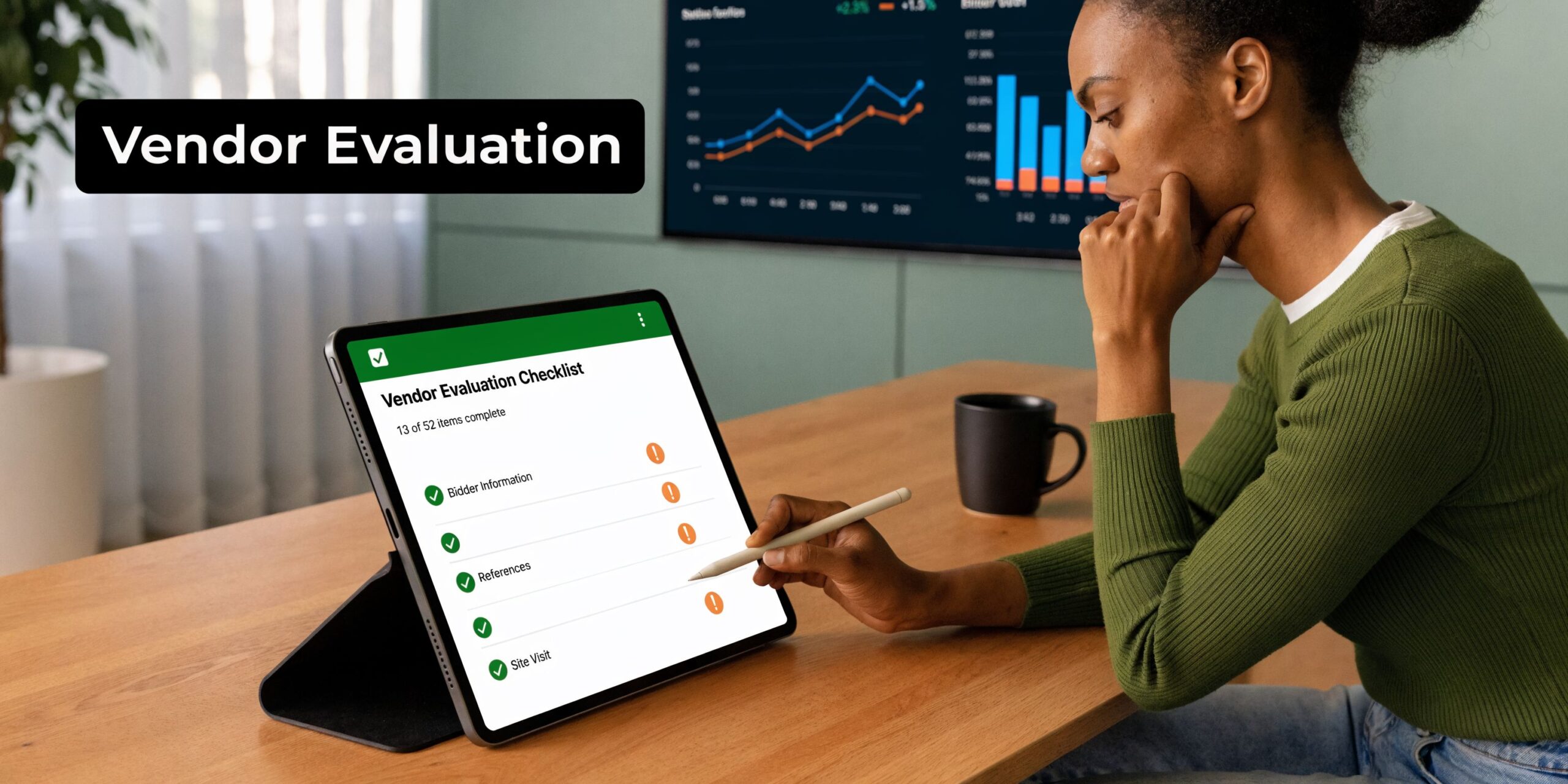
Ask how they implement, not just what they sell
A serious ERP partner should be able to walk you through implementation in a structured, operational way.
Hinawi ERP implementations, for example, follow a structured 10-step methodology, from discovery and planning through go-live and optimisation. The approach includes 2 to 4 weeks of hands-on training by local consultants, targets 90% user adoption, and has been refined across 500+ UAE client projects since 1998, as outlined in this ERP implementation success and methodology overview.
That matters because implementation quality is what turns software into actual control.
Ask every vendor these questions:
- Who leads discovery: Sales staff or implementation consultants?
- Who maps processes: Do they understand finance, payroll, inventory, and industry workflows?
- Who trains users: Generic trainers or consultants who understand your business?
- Who supports after go-live: A helpdesk only, or local consultants as well?
- Who owns scope changes: Is there a clear method for approving changes and managing impact?
Judge the local team hard
If your business is in Abu Dhabi, local support matters.
You want consultants who understand WPS, VAT pressure, bilingual users, branch workflows, and the decision style common in owner-led GCC businesses. A remote team can sell software. It may struggle to manage user resistance, process debates, and post-go-live confusion on the ground.
One useful comparison when evaluating options is this page on Hinawi ERP vs others ERPs. Use it as a checklist format, not as a substitute for live process discussions.
Calculate total cost properly
Many owners compare only the software licence or subscription. That is not the complete cost.
Your total cost of ownership should include:
| Cost area | What to include |
|---|---|
| Software | Licence or subscription, modules, user scope |
| Implementation | Analysis, setup, testing, migration, forms, report design |
| Training | Department sessions, refresher training, manager reviews |
| Infrastructure | Hosting, hardware, internal IT support if needed |
| Change requests | Process adjustments, forms, workflow changes |
| Support | Annual maintenance, consultant time, post-go-live assistance |
Then look at return in practical business terms:
- Less manual entry and fewer duplicate processes
- Faster month-end close
- Better control over payroll and approvals
- Cleaner VAT reporting
- Better stock visibility
- Faster access to project, tenant, workshop, or manufacturing cost information
Buy the ERP you can operate well for the next several years. Don’t buy the cheapest proposal and then act surprised when support, training, and process quality are weak.
A realistic success story structure
The strongest rollouts I’ve seen all follow the same pattern. Management stays involved. Department heads make process decisions early. Data is reviewed before migration. Training is practical, not theatrical. Support is strongest in the first weeks after launch.
The weak rollouts also follow a pattern. Leadership disappears after signing. Users are told to “figure it out”. Old bad data is dumped into the new system. Every department demands exceptions. Finance ends up fixing operational mistakes manually.
Vendor choice decides which path you end up on.
Crafting a Successful Go-Live and Long-Term Support Plan
Go-live is not the finish line. It is the first day your company proves whether the new operating model works.

Pick the rollout style your team can survive
Some businesses should go live in phases. Others should switch in a single controlled move.
A phased rollout works better when operations are complex, branches differ, or users need time to adapt. A broader single-stage go-live can work for smaller or more disciplined environments where process ownership is clear.
The wrong choice is the one made for convenience rather than readiness.
Training must be operational
Users don’t need abstract system tours. They need role-based training.
Finance should post and reconcile real transactions. HR should run actual payroll scenarios. Stores should process receipts, transfers, and issues. Property teams should work with live tenant cases. Workshop staff should move through real work order flow.
Hinawi ERP implementations use a structured method that includes 2 to 4 weeks of hands-on training by local consultants, with a target of 90% user adoption and a process refined through 500+ UAE client projects since 1998. That kind of practical training model is exactly what businesses need after configuration and before live operation. If your team is preparing internally, this implementation readiness page on work plan start using the software is a useful reference.
Hypercare is where trust is built
The first weeks after launch need tighter support, faster response, and daily issue tracking.
Management should insist on:
- Issue ownership: Every problem needs one responsible owner.
- Daily review: Short reviews during the early live period keep small errors from becoming system distrust.
- User feedback: Not every complaint deserves a change, but every complaint deserves review.
- Post-live optimisation: Reports, approvals, and minor process adjustments should be tuned after actual usage begins.
The best ERP support teams stay close after launch. They don’t vanish once the invoice is paid.
Local support wins in the long run
This is especially true in Abu Dhabi and across the GCC.
A local support team can visit site, sit with finance, explain process changes to HR, and handle operational issues in the same business context your people work in. That matters far more than a polished sales presentation.
Before you finish vendor selection, make sure you know who will support you after go-live, how issues will be handled, and whether the partner has the patience to help users adapt without letting discipline collapse.
If you're close to a decision, this is the point to arrange a real consultation, not another generic sales demo.
Chat on WhatsApp +971506228024 Quotation – Demo RequestTake the Next Step with Hinawi ERP
If your company is still running critical work through disconnected spreadsheets, manual approvals, side systems, and delayed reporting, the problem is no longer software. The problem is operational design.
Hinawi ERP is a fully integrated ERP software developed since 1998 in Abu Dhabi. It supports Accounting, HR & Payroll, Real Estate Management, Fixed Assets, Manufacturing, Garage & Maintenance, School Management, CRM, and complete business automation for companies in the UAE and GCC.
For decision-makers, the practical value is straightforward:
- VAT and e-Invoicing compliance: Keep finance aligned with current UAE requirements.
- UAE WPS payroll support: Connect HR and payroll work inside one controlled process.
- Arabic and English bilingual operation: Make adoption easier across mixed teams.
- Flexible company policy settings: Adapt approvals, payroll rules, and workflows to your business.
- Real-time accounting integration across all modules: Stop waiting for manual summaries from departments.
- Industry fit: Suitable for factories, contracting companies, real estate businesses, schools, garages, trading companies, and manufacturers.
If you want tighter financial control, less manual work, stronger reporting, and better visibility across the business, this is the right time to act. Visit www.hinawierp.com and request a personalised demo. A proper ERP review should start with your actual workflow, your compliance needs, and your management priorities.
A CTA for Explorer Computer LLC – Hinawi Software ERP.