
Category: Accounting
A factory in Abu Dhabi finishes a shipment for a customer in Saudi Arabia. The goods are packed, the truck is booked, accounting issues the invoice, and everyone expects the file to move cleanly through customs. Then the shipment stops. The document sent was a normal sales invoice, not a proper commercial invoice. Customs asks questions, the clearing agent asks for corrections, and the container starts collecting avoidable costs.
That’s not a paperwork problem. It’s an operations problem, a cash flow problem, and a compliance problem.
In the UAE and across the GCC, the difference between a commercial invoice and invoice isn’t academic. One supports billing and VAT records. The other supports cross-border movement, customs review, and trade documentation. If your team confuses the two, you invite shipment delays, rejected records, and expensive rework. Businesses that still rely on disconnected spreadsheets, copied templates, or manual edits are exposing themselves to risks that are entirely preventable.
I see this often with trading firms, manufacturers, contracting businesses, and multi-branch groups. Sales issues one format. Accounts edits another. Logistics adds shipping details later. Nobody owns the document from start to finish. That’s how incomplete records happen, and it’s exactly why many firms struggle with missing or incomplete data in ERP workflows.
An integrated ERP approach fixes the root issue. It forces your commercial data, inventory data, customer data, tax settings, and export details to stay aligned from the start. That’s the only sensible way to handle UAE VAT rules, customs documentation, and e-invoicing requirements without constant firefighting.
Chat on WhatsApp +971506228024 Quotation – Demo Request
Introduction The High Cost of Invoice Confusion in GCC Trade
The most common mistake is simple. A company assumes every invoice does the same job.
It doesn’t. A local tax invoice raised for a UAE customer serves one purpose. A commercial invoice prepared for goods crossing a GCC border serves another. If your business exports, imports, re-exports, or supplies customers outside the UAE, you need to stop treating invoicing as one generic task handled by accounts at the end of the process.
Where businesses get caught
A standard invoice usually starts from finance. A commercial invoice starts from trade reality. Customs officers, freight forwarders, clearing agents, and import authorities all expect shipment-specific information that a normal billing invoice often doesn’t contain.
That gap is where delays start.
Practical rule: If goods are moving across borders, your document must satisfy customs before it satisfies your debtor ledger.
The confusion gets worse in businesses with multiple warehouses, item masters maintained by different teams, and product descriptions copied manually from older files. The invoice may look professional, yet still fail because the trade data is incomplete, inconsistent, or missing entirely.
Why this matters in the UAE and GCC
The region is no longer tolerant of loose documentation. VAT compliance, customs accuracy, and digital invoicing controls are tightening together. A business can’t separate accounting from logistics anymore. The invoice sits at the centre of both.
That’s why owners and finance managers should critically review their current process:
- Check document ownership: Who decides whether a transaction needs a tax invoice, a commercial invoice, or both?
- Check item data quality: Are HS-related product details, origin details, and descriptions maintained in the system or typed manually?
- Check approval controls: Does anyone review export documentation before dispatch?
- Check system integration: Does sales talk to inventory, and does inventory talk to accounting?
If the answer to any of those is weak, the problem isn’t your team. It’s your process design.
Invoice vs Commercial Invoice A Fundamental Comparison
An invoice is a request for payment and a tax record. A commercial invoice is a trade declaration tied to the physical movement of goods. That’s the distinction your team must understand.
Think of it this way. A standard invoice tells the buyer what to pay. A commercial invoice tells customs what is being moved, where it came from, how it is valued, and under what delivery terms it travels. One supports accounting. The other supports border clearance.
The practical difference
For domestic UAE transactions, finance usually cares about customer details, invoice number, date, value, and VAT presentation. For cross-border shipments, customs needs much more. A commercial invoice for UAE and GCC trade must include HS codes, country of origin, Incoterms, and precise product details. Non-compliant invoices face FTA rejection rates of 15-20% in initial audits, can cause 7-14 day customs delays, and may trigger demurrage costs of AED 500-2000 per container per day, as outlined in this review of commercial invoice requirements in GCC trade.
If your team sends a basic invoice where a commercial invoice is required, you’re effectively sending a payment document to a customs process. That’s the wrong tool.
Standard Invoice vs Commercial Invoice At a Glance
| Attribute | Standard (Tax) Invoice | Commercial Invoice |
|---|---|---|
| Primary purpose | Billing and VAT record | Customs clearance and trade declaration |
| Main audience | Customer and finance team | Customs, clearing agents, buyer, freight parties |
| Use case | Local sale or routine taxable transaction | International shipment and GCC cross-border movement |
| Tax relevance | Supports VAT accounting and recovery | Includes VAT context where applicable, but centres on trade data |
| Goods description | Basic line description may be enough | Detailed product description is required |
| HS code requirement | Usually not central in local billing | Mandatory for customs-facing trade documents |
| Country of origin | Often not included | Required |
| Incoterms | Usually absent | Required |
| Weight and dimensions | Rarely shown | Often required for shipment handling and customs accuracy |
| Risk if incorrect | VAT issues, customer disputes | Customs hold, rejection, delay, demurrage |
Don’t confuse related documents either
A pro forma invoice is not a replacement for a commercial invoice. A delivery note is not a substitute. A packing list supports the shipment, but it doesn’t replace the commercial invoice either. Businesses that blur these documents usually create downstream corrections for accounts, logistics, and customs brokers.
If your team still uses templates, review a proforma invoice sample and related document flow against your actual export process. Most companies discover they’ve mixed commercial, tax, and pro forma functions into one file. That’s a weak control environment.
Chat on WhatsApp +971506228024 Quotation – Demo Request
Essential Fields for UAE VAT and Customs Compliance
Invoice errors in the UAE usually start with missing fields, weak item data, and staff typing free-text descriptions that never match from one document to the next.
That is expensive. According to Resolve’s review of manual versus automated invoice processing costs, ERP automation can cut invoice processing errors by up to 80% and save high-volume businesses more than AED 1.2 million a year.
In the UAE and across the GCC, that discipline affects more than accounting. It affects VAT treatment, customs clearance, internal approvals, and how quickly you can answer an FTA or customs query without scrambling through emails and edited PDFs.
What a UAE tax invoice must get right
For local taxable supplies, your tax invoice needs to match your VAT setup, customer record, and general ledger. If those three do not agree, the invoice is already a control failure.
Use this checklist:
- Supplier identity: Legal entity name, address, and tax registration details must match your registered records.
- Customer identification: Customer name and relevant details must be complete, especially for B2B transactions.
- Unique invoice number: The numbering logic must be controlled, not manually improvised.
- Issue date: This must reflect the transaction timing accurately.
- Clear line descriptions: Generic labels create confusion during review.
- VAT breakdown: Show taxable value, VAT amount, and totals clearly.
- Currency consistency: Don’t let sales, accounting, and bank records show conflicting values.
Keep the format plain and auditable. If your accountant has to explain basic invoice fields line by line to an auditor, customs broker, or client, the document design is poor.
What a commercial invoice must add
A commercial invoice needs trade and shipment data that a tax invoice often does not carry. GCC exporters get into trouble here because finance prepares one version, logistics edits another, and customs receives a third.
Your commercial invoice should include:
- HS codes: These support customs classification and must align with the item being shipped.
- Country of origin: This must reflect the actual origin of the goods, not guesswork from the sales team.
- Incoterms: Use the agreed trade term clearly, such as FOB Dubai or CIF Jebel Ali when applicable.
- Precise goods description: “Spare parts” is poor documentation. Customs wants meaningful detail.
- Gross and net weight: These details help align the invoice with shipment records.
- Dimensions where relevant: Especially important for freight handling and document consistency.
- Declared transaction value: State the value properly in AED or USD where applicable.
- Buyer and seller details: These must match supporting shipment documents.
A commercial invoice should agree with your packing list, transport document, item master, and accounting record. If one source differs, someone will stop the file.
Why system discipline matters
Companies usually fail because they let staff type critical fields manually, override tax settings, or copy old descriptions from previous invoices without checking the current transaction.
Fix that at the system level. The invoice should pull approved item descriptions, tax codes, customer VAT data, unit values, and shipping details from one controlled source. That is how you reduce FTA exposure and avoid customs queries caused by document mismatch.
A useful benchmark is to review how structured VAT data flows across accounting and ERP in this VAT workflow in Hinawi and QuickBooks environments. The point is simple. Standardized master data produces cleaner invoices, fewer corrections, and faster document clearance across UAE and GCC operations.
Navigating E-Invoicing Mandates in the UAE and Saudi Arabia
Your finance team issues a sales invoice. Your warehouse ships the goods. Your customer wants a tax-compliant digital invoice. Customs and tax records must still match. If those steps sit in different systems, or worse, in email and Excel, you are building delays into your own process.
That problem is already real across the GCC.
Saudi Arabia moved first with a stricter, system-driven model under ZATCA. The UAE is also pushing invoicing toward structured digital reporting, tighter validation, and cleaner tax data. Business owners should stop treating this as a future IT project. It is an operating model issue for finance, sales, logistics, and compliance.
What actually changes under e-invoicing
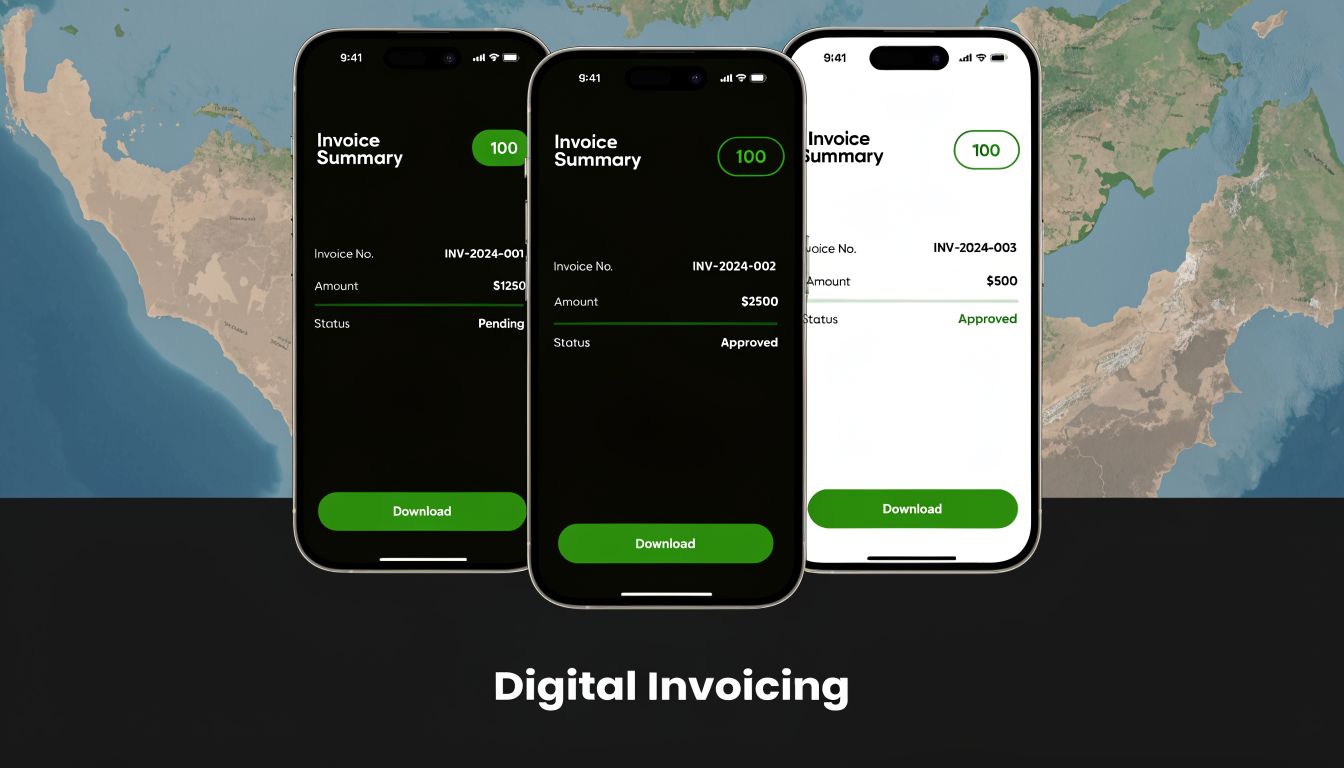
E-invoicing means the authority expects structured transaction data, system control, and traceability. A PDF sent by email may still be part of the customer communication, but it is not the compliance model.
Focus on four practical requirements:
- Structured invoice data: Your system must produce consistent fields that can be validated and reported properly.
- Rule-based validation: Tax numbers, invoice references, totals, and document logic must pass platform checks before the invoice moves forward.
- Controlled identity and numbering: Invoice numbers, legal entity details, and tax registration data must come from approved records, not manual edits.
- Audit trail from source transaction to filing: The tax authority wants a clean digital chain linking the sale, the invoice, and the reported tax outcome.
For UAE and GCC traders, this also affects commercial invoice workflows. The tax invoice, item record, shipping data, and customs-facing values need to agree. If your finance document says one thing and your trade file says another, you create risk on both sides.
Why Saudi compliance matters even if you are based in the UAE
Saudi Arabia gave the region a clear warning. Authorities now expect invoice controls at the system level. QR code logic, mandatory fields, timestamp discipline, and tamper resistance are not admin details. They are compliance requirements.
That matters for three types of businesses in the UAE. Companies selling into Saudi Arabia. Groups with entities in both countries. UAE businesses preparing for tighter local e-invoicing rules.
If your current process relies on exported spreadsheets, handwritten approvals, or staff adding shipping details after the invoice is generated, fix it now. That setup does not scale. It also fails under audit pressure.
If you handle Saudi-facing transactions, review the e-invoicing QR code requirements for KSA and check whether your ERP can produce those controls from the original transaction data. That same discipline will help you prepare for UAE enforcement as requirements mature.
Chat on WhatsApp +971506228024 Quotation – Demo Request
Common Mistakes That Trigger Penalties and Shipment Delays
Treating invoice preparation as simple admin work is an expensive mindset.
In UAE and GCC trade, invoice errors do not stay in finance. They spread to customs clearance, VAT treatment, stock records, customer disputes, and audit exposure. A shipment can leave the warehouse on time and still get stuck because the commercial invoice does not match the packing list, the item description is too generic, or the transaction was classified incorrectly inside the system.
Five mistakes I see repeatedly
Using the wrong document type
A standard sales invoice, pro forma invoice, and commercial invoice serve different purposes. Using the wrong one for an export or import transaction creates avoidable back-and-forth with freight agents, customs teams, and customers. If your team still imports sales documents manually between systems, fix that process first with a controlled workflow for importing cash and credit invoices.Leaving product descriptions vague
“Equipment,” “materials,” or “parts” might work for internal shorthand. They do not work for customs review. Descriptions should identify the goods clearly enough for classification, valuation, and inspection.Allowing mismatches across documents
The invoice value differs from the packing list. The quantity differs from the delivery note. The consignee name is formatted one way on the invoice and another way on the transport document. Small inconsistencies create scrutiny fast.Omitting trade terms and shipment details
Missing Incoterms, country of origin, delivery terms, or currency details slow reviews and create disputes about responsibility for freight, insurance, and tax treatment.Letting staff classify transactions manually
Manual classification breaks down in multi-branch businesses, mixed product environments, and cross-border trade. Reliabills notes this risk in its review of commercial and non-commercial invoice integration gaps, especially where teams rely on disconnected systems and ad hoc document handling.
What those mistakes actually cost
The visible cost is the shipment delay. The hidden cost is worse.
Your accounts team starts reissuing documents. Logistics chases corrected values and descriptions. Sales explains the delay to the customer. Management loses a clean view of what was billed, what was shipped, and what is still exposed. If the file is reviewed later by tax or customs authorities, the audit trail is already weak because the document changed too many times outside a controlled workflow.
That is how ordinary invoicing mistakes turn into compliance problems.
A harder truth for owners
If export documentation depends on one experienced employee who remembers which format to use for each country, your control model is fragile. Leave, turnover, or simple overload will expose that weakness.
Consistent compliance comes from controlled fields, approval rules, and shared ownership between finance, logistics, procurement, and system administration. If any department can edit critical trade data without review, the process needs redesign.
Automating Compliant Invoicing with Hinawi ERP
The argument for automation is straightforward. If the invoice depends on manual interpretation, the error rate will stay higher than it should. If the invoice is generated from controlled master data and workflow logic, compliance improves.
Consider a trading company in Dubai selling industrial items to a customer in Kuwait. The order starts in sales. Inventory already holds item descriptions and branch stock details. Finance needs VAT handling to align with the transaction. Logistics needs the shipment record to agree with the commercial paperwork. If these functions sit in separate tools, staff will retype data. That’s where trouble starts.
What an integrated workflow should do
A proper ERP process should:
- Identify transaction type automatically: Local billing should not follow the same document path as cross-border trade.
- Pull item data from inventory records: Product descriptions should come from approved item masters, not ad hoc typing.
- Apply tax logic consistently: VAT treatment should follow configured rules.
- Support digital invoice structure: The system should generate records in a format suitable for compliance workflows.
- Maintain approval history: If a commercial invoice is reviewed or rejected, the trail should stay visible.
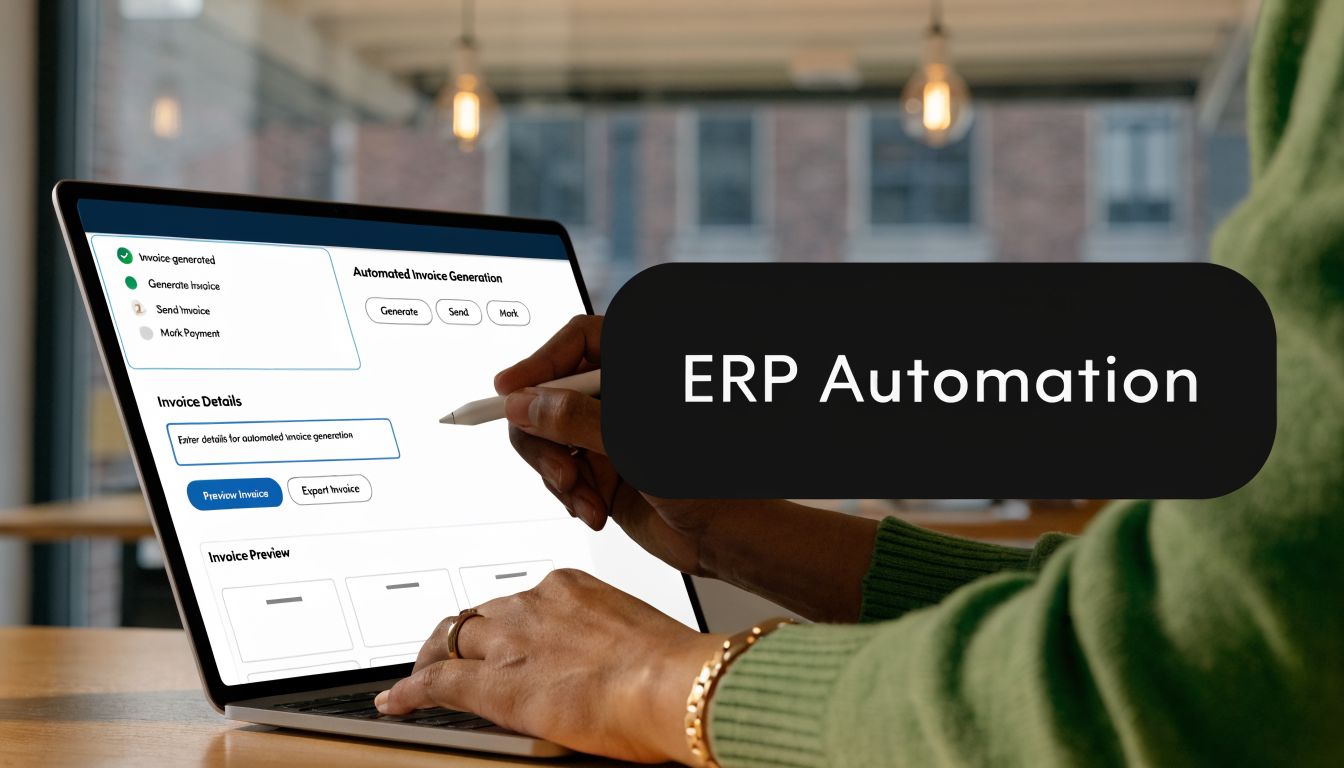
ERP systems with automated approval workflows for commercial invoices can reduce invoice disputes by 35%, shorten cash flow cycles by 15-30 days, and achieve up to 98% compliance rates for asset-intensive firms in the UAE, using digital signatures and structured payloads, according to this analysis of commercial invoice workflow controls and ERP compliance.
What this looks like in practice
Hinawi ERP is one practical example of this kind of integrated workflow. In a controlled setup, the system can connect sales, inventory, accounting, HR and operational records so the invoice isn’t produced in isolation. That matters for companies managing multi-warehouse trading, manufacturing output, fixed assets, or branch-based operations where one transaction affects several ledgers and departments.
The operational value is simple:
- Sales enters once
- Inventory supplies the approved item data
- Accounting receives the financial impact in real time
- Compliance fields remain standardised
- Management can review the full transaction path
For finance teams still importing or manually adjusting invoice batches, even a narrower control improvement helps. Reviewing how cash and credit invoices are imported into ERP workflows usually reveals where duplicate entry, misclassification, and posting inconsistencies are creeping in.
My recommendation
Don’t automate bad forms. Standardise the logic first.
Define when a commercial invoice is required. Lock your item descriptions. Assign ownership of HS-linked product data. Make approval rules explicit. Then automate generation and posting. If you skip those steps, software will only speed up the production of bad documents.
Chat on WhatsApp +971506228024 Quotation – Demo Request
Conclusion Your Path to Flawless Invoicing
The distinction between a commercial invoice and invoice is absolute in the UAE and GCC. One supports billing and VAT records. The other supports customs, trade compliance, and shipment movement. Treating them as interchangeable is a management error.
The businesses that struggle most are usually doing the same things. They depend on staff memory, allow free-text item descriptions, separate logistics from finance, and patch everything together at the end. That approach doesn’t survive tighter VAT controls, customs scrutiny, and e-invoicing mandates.
The fix isn’t complicated, but it does require discipline. Standardise your invoice types. Clean your item master. align trade data with accounting data. Put approvals into the workflow. Remove manual retyping wherever possible.
Clean invoicing is not an admin target. It’s a control system for revenue, compliance, customs clearance, and cash flow.
If you trade across the UAE and GCC, invoice quality now sits at the centre of operational reliability. Businesses that understand that will move faster, collect faster, and face fewer surprises.
Take the Next Step with Hinawi ERP
For companies in the UAE and GCC, solving invoicing issues properly means going beyond templates and isolated accounting entries. You need one integrated environment that connects finance, operations, inventory, payroll, fixed assets, customer management, and compliance.
Hinawi ERP, developed in Abu Dhabi since 1998, is a fully integrated ERP software platform built for regional business realities. It supports Accounting, HR & Payroll, Real Estate Management, Fixed Assets, Manufacturing, Garage & Maintenance, School Management, CRM, and full business automation. For companies managing VAT, payroll, stock, projects, service operations, and branch activity at the same time, that integration matters.
It also addresses the practical controls business owners ask for every day:
- VAT and e-Invoicing compliance: Support compliant invoice generation and structured financial control.
- UAE WPS payroll support: Manage payroll with the compliance requirements UAE employers need.
- Arabic and English bilingual operation: Useful for mixed teams, customer-facing documents, and regional reporting.
- Flexible company policy settings: Adapt workflows to your own leave rules, approvals, and operational policies.
- Real-time accounting integration across modules: Transactions from sales, payroll, maintenance, property, or manufacturing can flow directly into financial reporting.
Hinawi ERP is suitable for factories, contracting companies, real estate businesses, schools, garages, trading companies, and manufacturers. If your business wants to reduce manual work, improve financial accuracy, and gain tighter management control, this is the right time to modernise the process.
Visit Hinawi ERP official website or request a personalised demo to see how your invoicing, accounting, payroll, assets, and operational workflows can work together inside one system.
A CTA for Explorer Computer LLC – Hinawi Software ERP.